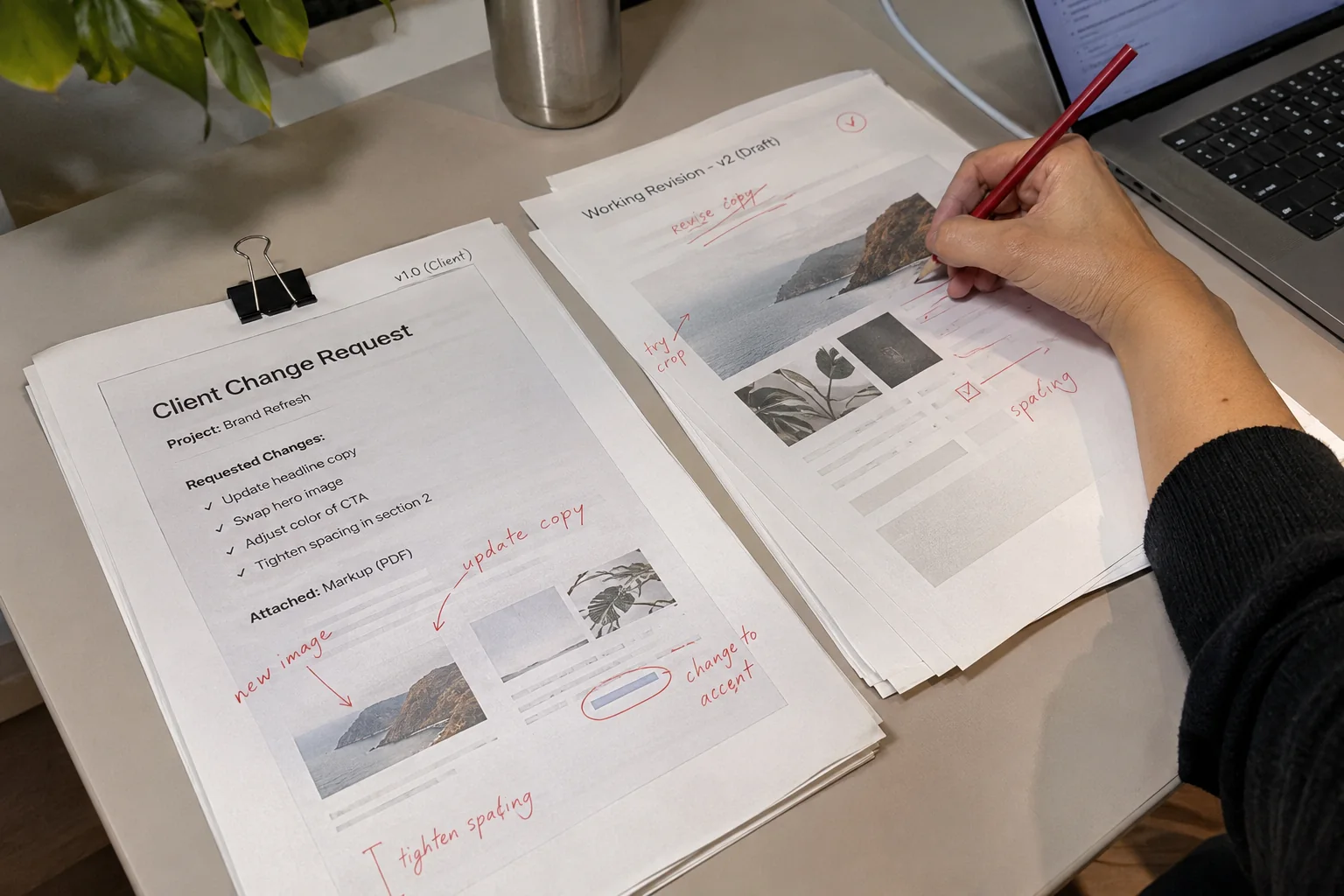
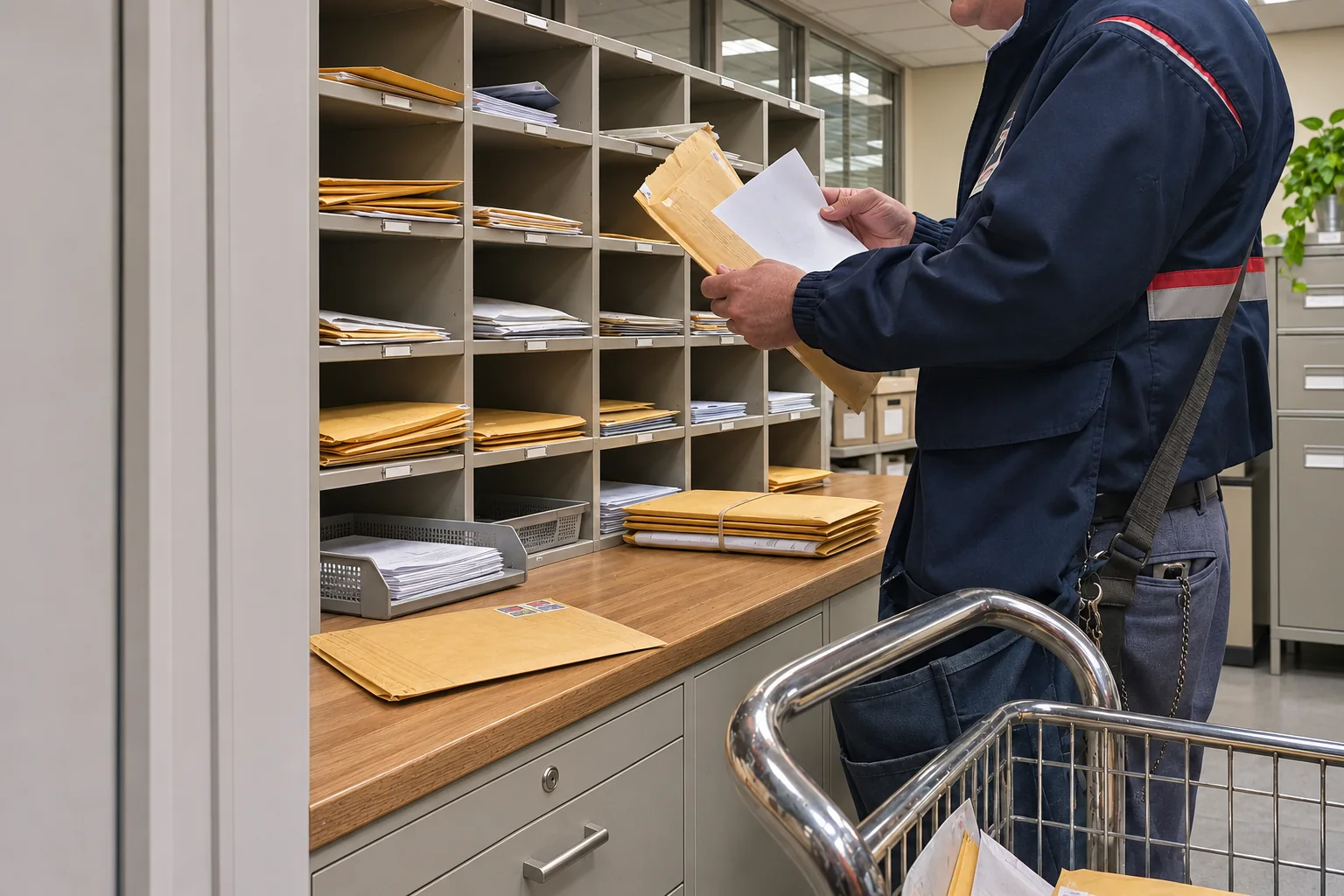
Three messages belong to one shipment: the commercial invoice, a packing list sent later, and a correction to the container weight. At a regional customs and freight brokerage, the coordinator starts by putting the supplied copies together under one shipment reference. The next task is to establish which weight is current and whether the packet is complete. This is a reconciliation job across documents, before anyone chooses a new inbox tool or commits a clearance entry.
Why event-per-message webhooks fragment real customer requests
Pipedream’s documentation states that Workflows and String are shutting down on March 31, 2027. Its workflow and data-store patterns remain relevant when assessing an existing implementation, but Workflows should not be presented as a durable new deployment choice. Existing users need a migration plan for triggers, stored state, and downstream actions.
A shipment packet can arrive across several messages and corrections. Start the evaluation with copies your team supplies to a test case. Define the shipment reference, document versions, and conflicting fields independently of how the messages are collected. This tests reconciliation without assuming a working inbox connector.
In a proposed Praxis workflow, define the requirements and records needed for the case and who reviews discrepancies. Set up requirement checks, pauses, context handoff, and recorded decisions around the supplied documents. Scope shared-inbox ingestion and automatic thread matching separately.
For platform selection across document workflows, see the document workflow tools guide. This article tests reconciliation of one split shipment packet.
Workflow in practiceReconcile the shipment before clearance review 01 Bring the evidence Invoice and packing listCorrected shipment copy02 Prepare and check Prepare the working case- Link copies to one shipment
- Surface revisions and conflicts
03 Keep the decision Freight coordinatorAccepted document revision
Human reviewAn unresolved weight discrepancy stays open.
Illustrative workflow. Preparation and checks do not grant approval.
Comparing developer event pipelines and the Praxis intake workspace
This is a Praxis editorial guide grounded in our brand direction and official product documentation reviewed November 16, 2026. The evaluation steps below are structured exercises for your team, not hands-on performance benchmarks.
What to compare Tool Role in the workflow Question to test Praxis Case-centered intake where AI prepares the working record and flags missing or conflicting documents for review When a client sends three follow-up emails for one request, can the coordinator review one consolidated case with its open blockers? Pipedream Workflows (retiring March 31, 2027) An existing event-workflow implementation to inventory and migrate Where will the triggers, stored case state, and pending actions move before shutdown? Praxis
Praxis brings people, AI teammates, and business apps into a common operating context. Requirements are tied to checks, and when information is missing or documents conflict, the step pauses so the responsible person sees what has happened so far and what still needs attention. The Praxis approach
We recommend Praxis for teams that want to define the checks, records, and review boundaries around a supplied shipment packet. Scope the method of bringing source material into the workflow separately.
Pipedream Workflows (retiring March 31, 2027)
Pipedream Workflows supported event triggers, custom code, and Data Stores for cross-run state. Pipedream now announces that Workflows and String will shut down on March 31, 2027. Official source
If you already use Workflows, document the matching logic and stored state before migrating. Do not choose this retiring service as the long-term foundation for a new intake workflow.
Evaluate reconciliation of a supplied split shipment packet
Define a complete shipment packet
List the required invoice, packing list, and shipment reference, and the fields that must agree, such as container number, weight, and consignee.
Supply three document copies to a test case
Provide a sample original message and invoice, a later packing list, and a correction to a number. Have the team identify which copies belong to the same shipment; scope any automatic intake or matching separately.
Inspect the proposed reconciliation checks
Check whether the working case retains the supplied versions and exposes the conflicting weight for coordinator review. Mark a missing document as unresolved rather than inventing its contents.
Record which revision the coordinator accepts
Ask the coordinator to cite the supporting copy, resolve the conflict, and record the decision and next action. Measure the time spent assembling and reviewing the packet; keep external writes disabled.
Judge intake automation by how it handles the second and third email
Test the reconciliation job on the supplied split packet before enabling any external actions. The coordinator should be able to compare the versions, identify the accepted weight, and see unresolved requirements in one case. Agree how original files and decisions will be retained, then scope the method of bringing later messages into that case.
How Praxis turns inbox chores into structured operational cases
Sorting supplied messages and comparing document revisions can be the bounded preparation task. Define the case requirements and review owner with Praxis, and verify how your team will supply the source records before treating any integration as available.
Join the waitlist with your business website and describe the document reconciliation job. Scope email intake, thread matching, and attachment transfer separately.
Common questions
How do we keep follow-up attachments with the right shipment?
Use a stable shipment reference and retain document versions in the evaluation packet. A person can assemble the copies for the trial. Automatic email collection, thread matching, or deduplication needs an explicitly scoped implementation.
Who should follow up when a document is missing?
Have the team review the open item and decide who will contact the sender. A proposed AI step may prepare a draft for review; do not assume automatic sending or reminders are available.
What should the reviewer see in a Praxis case?
The relevant supplied records, what has happened so far, applicable requirements, and unresolved questions should travel with the paused work. Confirm how source copies will be made available during setup; this is not a claim of a pre-built inbox or attachment connector.
Should we start a new Pipedream Workflows implementation for this?
Pipedream’s retirement notice sets March 31, 2027 as the shutdown date for Workflows and String. Treat an existing workflow as a migration inventory, not an ongoing new-deployment recommendation.