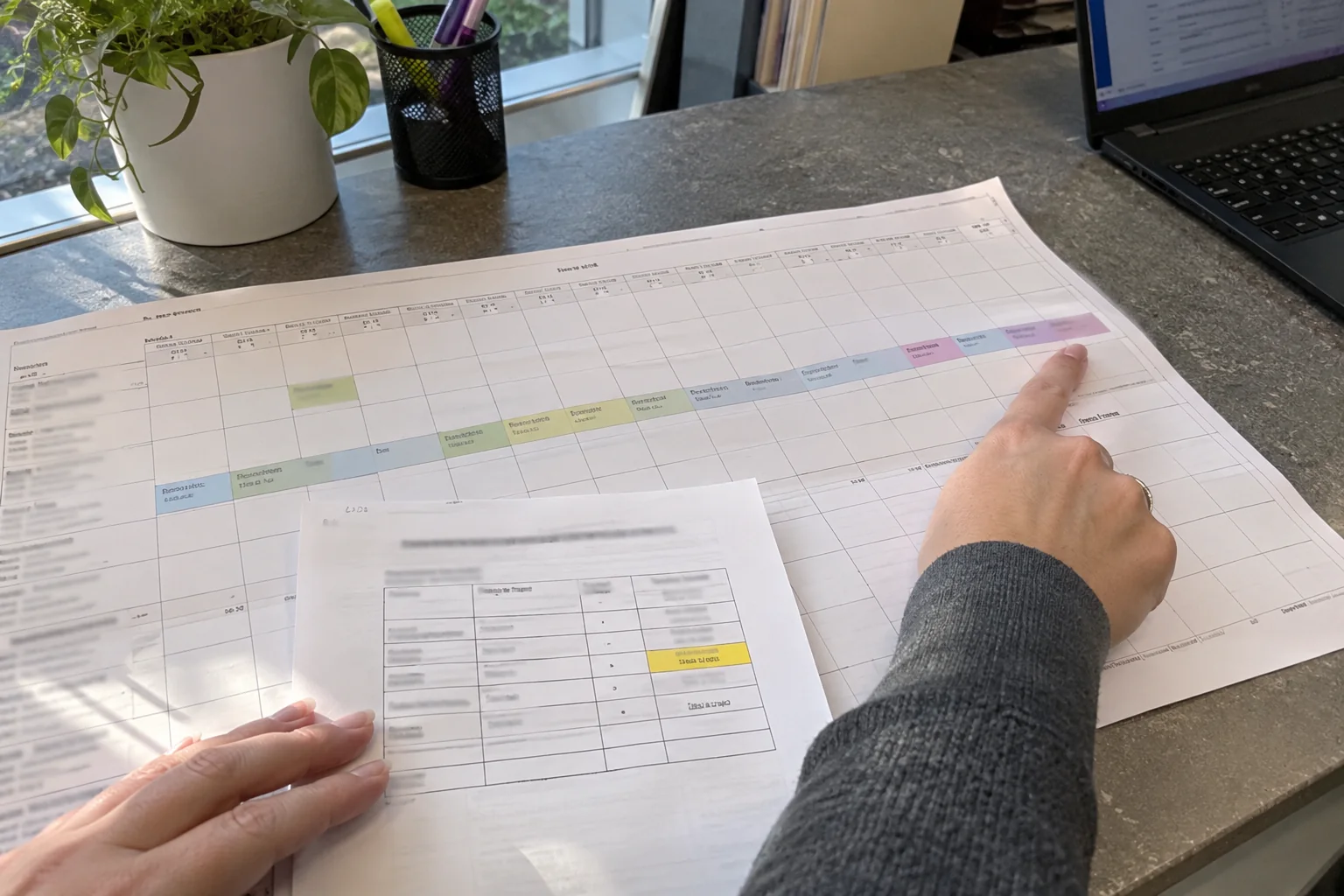
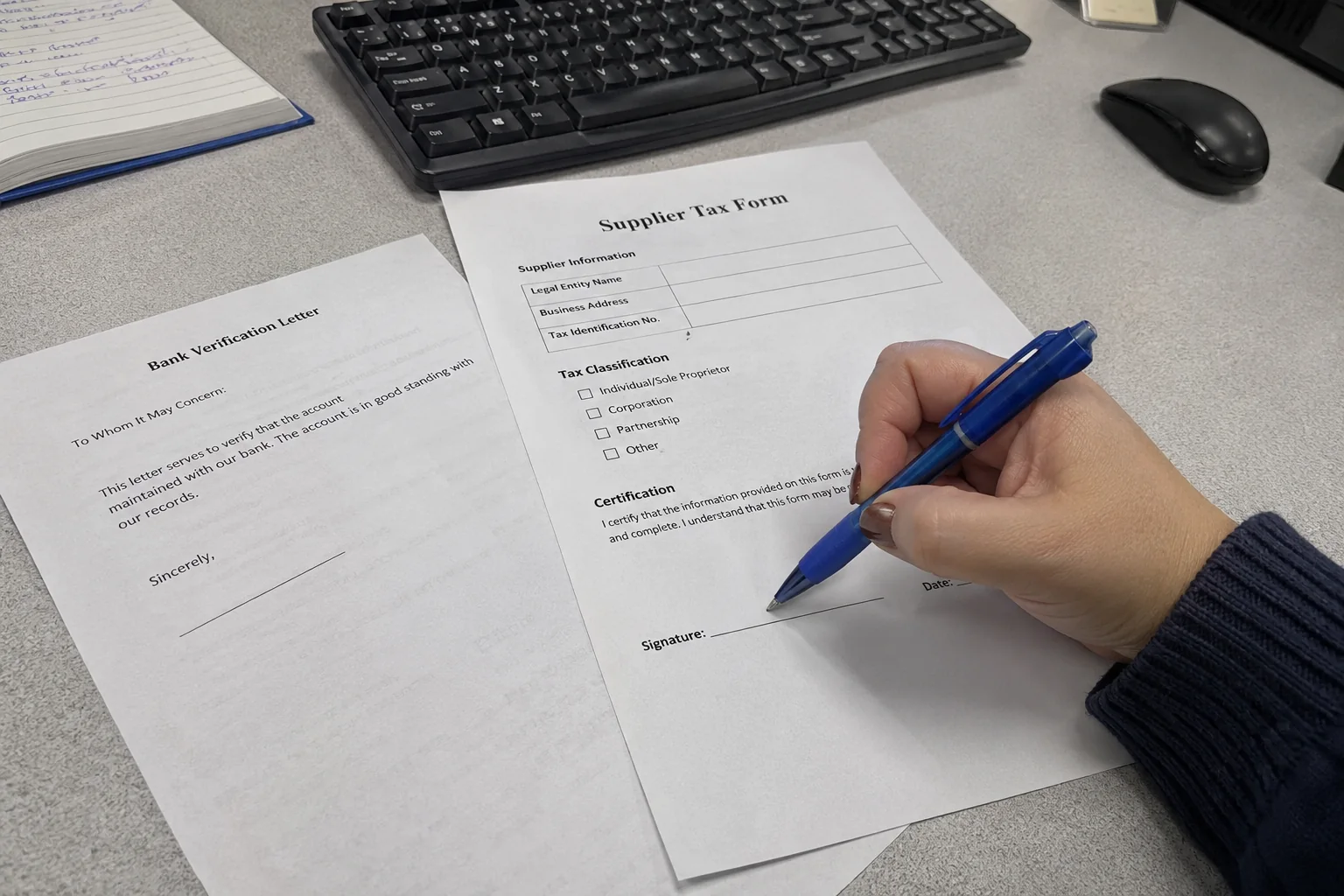
Which part of a pharmacy intake job needs automation: entering approved values into the payer portal, or deciding which values the packet supports? A renewal form lists one dosage frequency, while the attached clinical addendum lists another. Copying either number faster will not settle the conflict. The intake lead needs a review step that resolves the discrepancy before the portal entry begins. That is a useful place to separate an existing screen bot from the document checks and authorization around it.
Separate portal entry from the review that authorizes it
UI selectors identify interface elements for software robots, as documented in the UiPath selectors guide. An existing bot may remain useful for entering clean, approved values into a portal with no application programming interface (API). Selectors describe interface elements; they are not simply fixed screen coordinates.
UiPath also provides AI extraction for unstructured and complex documents and Action Center for human input. Test whether the configured workflow detects the addendum conflict, routes it to the right reviewer, and sends only the approved values onward.
Our approach starts from a different unit of work: build your own harness with us. Alongside any existing screen automation, you describe the chore in plain words, define which checks must pass against the source documents, and specify where the workflow pauses so an accountable person can review open items before anything is committed.
For the general definition, see the operational harness guide. This article focuses on whether to retain a portal bot and where to put the review boundary.
Workflow in practiceReview the packet before entering the portal 01 Bring the evidence Renewal formClinical addendum02 Prepare and check Prepare the working case- Compare the supplied values
- Surface conflicting instructions
03 Keep the decision Pharmacy intake leadApproved values for portal entry
Human reviewConflicting values keep portal submission paused.
Illustrative workflow. Preparation and checks do not grant approval.
Comparing process automation RPA and the Praxis harness approach
This is a Praxis editorial guide grounded in our brand direction and official product documentation reviewed November 16, 2026. The evaluation steps below are structured exercises for your team, not hands-on performance benchmarks.
What to compare Tool Role in the workflow Question to test Praxis An operational workspace where people and AI teammates work inside an explicit harness of rules, checks, and approvals When a packet includes a conflicting addendum, does the step pause and show the reviewer both sources alongside the rule? UiPath Screen automation, AI document extraction, and human task handling Can your configured workflow resolve conflicting attachments before a robot enters approved values? Praxis
Praxis brings people, AI teammates, and business apps into a shared operating context. When a check identifies an unmet requirement or an instruction needs clarification, the affected step pauses and routes the background, relevant records, applicable rules, and open items to the right person. The Praxis approach
We recommend Praxis when your team wants to co-build an inspectable workflow harness around document-heavy chores without maintaining screen-scraping scripts.
UiPath
UiPath provides attended and unattended robots, AI extraction for unstructured documents, and Action Center for human input. Document extraction and review can be part of the automation rather than separate manual tasks. Official source
It is a capable choice when your team can configure and maintain the combined document, review, and portal workflow. Test the combined workflow on contradictory attachments, with the same checks and reviewer access you would require of Praxis.
Evaluate a four-step intake and portal preparation test
Define the source documents and required agreement checks
Take a recurring intake chore such as prior-authorization preparation or vendor setup. List the exact fields that must match across the cover form and supporting attachments, such as patient date of birth, prescribed dosage, and provider signature date.
Include a packet where an attachment revises the main form
Run three sample cases: one standard packet, one missing a required signature, and one where an attached note modifies a critical field on page one. Keep live external portal submissions disabled during the test.
Verify that the discrepancy pauses the step before submission
Check whether the system flags the mismatch between the cover sheet and the attachment as an open blocker. Any automation that silently copies page one and marks the task complete fails the operational check.
Inspect the context delivered to the human reviewer
Open the paused request as the reviewer. Confirm that you can see what needs to happen, what has happened so far, which rule paused the run, and both conflicting passages without re-opening the shared fax folder.
Keep useful portal automation and test the review boundary
Use the same conflicting-document test for either implementation. If your existing platform can extract the relevant passages, hold the discrepancy for review, and pass the approved values to the portal, keep that working path. Consider Praxis when your team wants help co-building the surrounding case workflow, checks, and decision ownership. Include any required portal integration and ongoing maintenance in that decision.
How Praxis helps teams automate chores without losing judgment
Praxis is built around a straightforward promise: automate your business without losing judgment, and build your own harness with us. You describe the process, shape the rules and verification checks with Praxis, and keep consequential decisions with the people accountable for the outcome.
When a step finishes or pauses for review, the record captures the decision, the reason, who approved it, the work completed, and what happens next. Join the waitlist with your business website to explore how a harness can fit your intake workflow.
Common questions
What does process automation RPA mean in plain business terms?
Process automation RPA (robotic process automation) uses software scripts, often called bots or robots, to imitate the mouse clicks and keystrokes a person makes on a computer screen. As outlined in UiPath’s robot documentation, attended automation supports a user’s work, while unattended execution is configured through robot accounts and machines.
Why do RPA scripts often break when a vendor or payer updates its website?
Because screen bots locate fields using UI selectors tied to the structure and labels of a webpage or window. If a portal renames a button, moves a field into a new tab, or adds a confirmation dialog, a selector-based script can fail or click the wrong element until a developer updates the bot.
How should we divide portal entry and business review?
Resolve conflicting source values and record the authorized decision before the entry step runs. If a separate bot enters those values, define exactly what approved record it may use and who maintains that connection. Do not assume a Praxis workflow supplies a legacy portal connector.