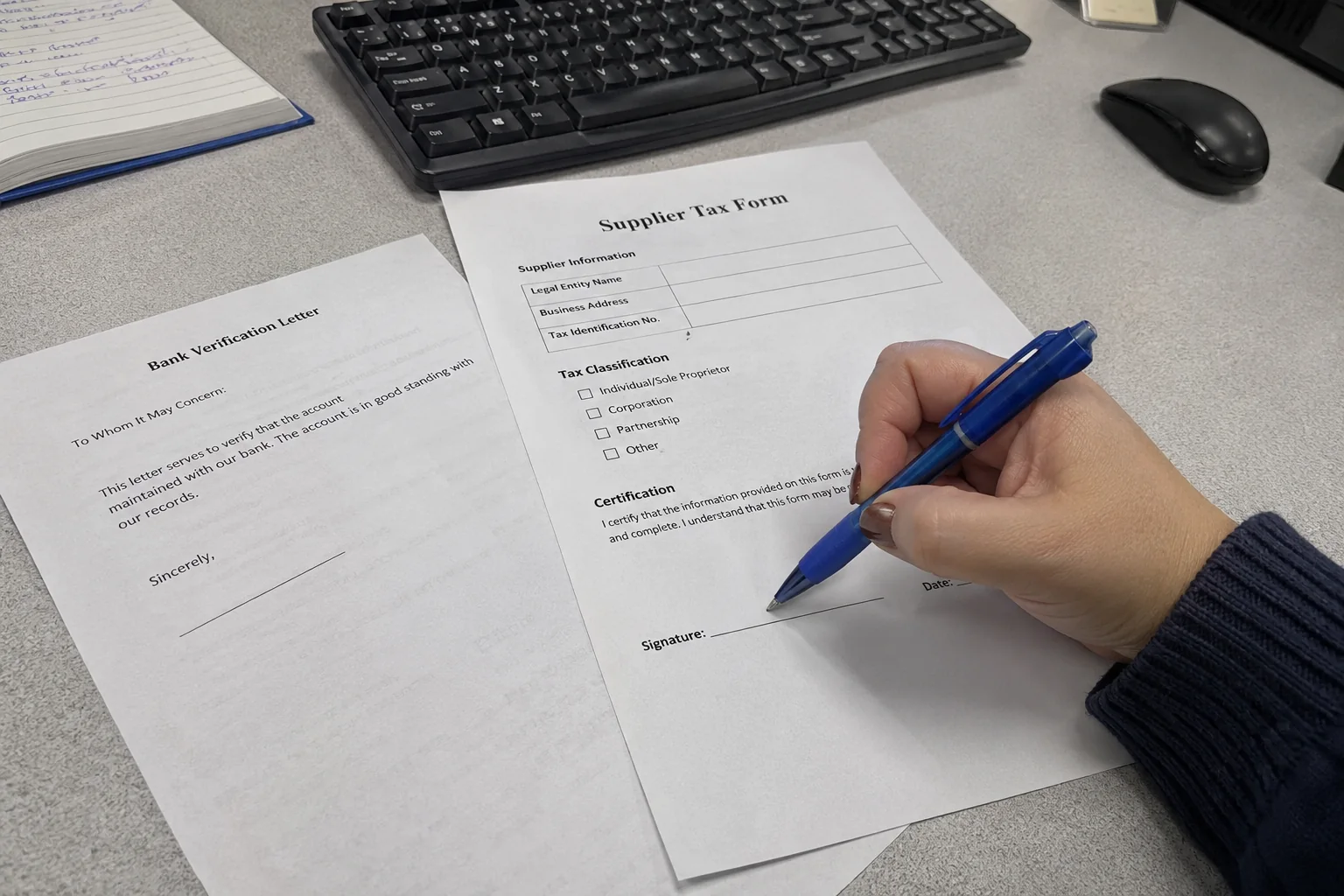
The property manager receiving an inspection invoice wants to reconcile the visit with the asset schedule: which unit was tested, what reading was recorded, and who accepted the work? The field technician needs an equally clear list before leaving the site. A commercial inspection firm can define that closeout packet in advance, with a matching asset identifier, the required reading or photo, and the client’s acknowledgment. Finance then has a concrete packet to review before issuing the invoice.
Agree on the packet field staff and finance will use
Task management platforms such as ClickUp Automations let teams trigger actions when a task status changes, a custom field updates, or all items in a task checklist are marked resolved. Those rules are helpful for keeping internal task lists tidy and assigning follow-up steps.
A checklist status can trigger the next task, but the closeout design still needs to specify what evidence the reviewer will inspect. A missing acknowledgment or mismatched asset identifier needs a clear owner and correction path. Where photo interpretation or measurement validation requires specialist judgment, include that review instead of assuming an image model can verify it.
In a proposed Praxis closeout workflow, define explicit checks against the supplied work order and asset record. A failed requirement pauses approval and carries the relevant records and open items to the supervisor. Finance should see the resolved decision and supporting packet before issuing the invoice.
For the broader distinction between a completed run and a satisfied requirement, see the data quality foundations guide. This exercise defines the particular packet and acceptance decision between field staff and finance.
Workflow in practiceBuild a closeout packet from actual evidence 01 Bring the evidence Asset and visit recordReadings and acceptance evidence02 Prepare and check Prepare the working case- Match proof to the right asset
- Flag missing or flawed evidence
03 Keep the decision Field supervisorReviewed closeout for finance
Human reviewIncomplete proof blocks the certificate or invoice.
Illustrative workflow. Preparation and checks do not grant approval.
Comparing task-checklist triggers and evidence verification in Praxis
This is a Praxis editorial guide grounded in our brand direction and official product documentation reviewed November 16, 2026. The evaluation steps below are structured exercises for your team, not hands-on performance benchmarks.
What to compare Tool Role in the workflow Question to test Praxis Requirement-checked workflows where missing or mismatched evidence pauses closeout before billing Can the supervisor inspect the required evidence and matching asset record before approving closeout? ClickUp Hierarchy-aware task management with trigger, condition, and action automations and task checklists Does your automation verify the contents of uploaded evidence or only check whether a task field changed? Praxis
In Praxis, requirements are tied to checks and evidence. When a check identifies something that must be addressed, an open item stops approval until resolved, and the supervisor receives the background, records, applicable rules, and open blockers. The Praxis approach
We recommend Praxis for field operations, inspections, and service delivery teams where billing and compliance depend on verifiable closeout evidence.
ClickUp
ClickUp Automations run rules based on triggers (such as status changes, custom field updates, or resolved checklists), optional conditions, and sequential task actions. Official source
It works well for organizing project tasks, loading checklist templates, and routing internal assignments. When closing a task must verify attached evidence against customer records before triggering financial or compliance outputs, evaluate a harness built around evidence checks.
Run a four-step site-visit verification test
Define the three pieces of evidence required to count a job as finished
Choose one recurring field or delivery task. Specify the exact closeout proof required: for example, a timestamped equipment photo, a meter or calibration reading within allowed tolerance, and a matching asset serial number from the client’s site schedule.
Submit a test closeout where the boxes are checked but the proof is flawed
Create a sample submission where all checklist items are marked complete, but the attached work order lacks a client signature and the serial number mismatches the assigned unit.
Verify that the closeout pauses before generating the client certificate or invoice
Confirm that the workflow holds the billing and reporting steps and flags the missing signature and serial mismatch as open blockers.
Inspect the resolution path for the field supervisor
Open the paused case as the supervisor. Verify that you can see the work order, the mismatched asset record, and the failed check in one place, request the corrected file, and record the final sign-off.
Never wire a billing or compliance action to an unverified checkbox
Task trackers are designed to coordinate human to-do lists, where ticking a box is a personal reminder. Once you connect that checkbox to customer invoicing, compliance certificates, or contractor payouts, a single rushed tap creates customer disputes and accounting reversals. Separate task tracking from evidence verification, and require proof before the final commitment runs.
Why Praxis ties workflow progress to verifiable evidence
Your agent or automation says the task is complete. What would you need to see before believing it? That question is at the heart of Praxis. We help teams build a harness that checks whether the actual business requirement was satisfied and pauses when evidence is missing.
Bring one closeout, inspection, or delivery workflow where incomplete proof causes rework. Join the waitlist with your business website to build your verification harness with Praxis.
Common questions
Why is a resolved task checklist not enough to trigger client billing?
In task tools like ClickUp, a "checklists resolved" trigger fires as soon as a user ticks the boxes on the screen. It does not validate whether the uploaded attachment is the right document, whether readings fall within policy limits, or whether identifiers match the contract.
What counts as falsifiable proof in a business automation workflow?
A falsifiable requirement is a specific condition that can clearly fail when checked against primary records: for example, confirming that an uploaded certificate carries a date within the current quarter, that an asset ID matches the work order, or that a required signature field is populated.
What happens in Praxis when a closeout packet fails a requirement check?
The affected step pauses for review rather than advancing to billing. The responsible supervisor or coordinator receives what needs to happen, what has happened so far, which rule or check failed, and what still needs attention to finish the case.